← Back to projects

Apps / Tools · 2025–2026

OrbitUMD

I was a freshman at UMD trying to plan a dual degree with no clear way to understand my requirements or explore what different paths would actually look like. Jupiter, Venus, Testudo, uAchieve, unofficial degree audits, the registrar's pages for each program. Each tool answers a sliver of the question, and using all of them together still leaves most of the work to you. OrbitUMD brings the best parts of those tools into one place, does each core job better, and cuts the friction for both students and advisors. It answers the three questions every student is actually asking: what's required, what's possible, and what's available. Built for UMD, designed to adapt to any university. React, TypeScript, Vite, Supabase.

  • React
  • TypeScript
  • Vite
  • Supabase
  • Postgres
  • Node.js
  • Cheerio

Role: Product-minded full-stack developer  |  Year: 2025–2026

OrbitUMD welcome screen with sign-in prompt
The question used to take days. Now it takes seconds.

The Origin Story

Built by students for students.

January 2026, start of my second semester at UMD. I had decided I was going to pursue Computer Science (AI track), and a Dual Degree in another subject. Like many college students, I wasn't sure what to pick. I ended up being between two very different options, Applied Physics and Biological Sciences, while also being intrigued by the Quantum Science and Technology minor. My goal was to graduate with a Dual Degree in three years and hopefully be accepted into the B.S. + M.S. program in CS. I had no idea how to figure out if that was even possible, let alone what courses I would need to take each semester to get there. When I told my CS advisor, she said something like "that might be hard" and "Try to plan thoroughly what courses you would need to take." She was noncommittal. She didn't want to get my hopes up, nor discourage a passionate student. She couldn't really help me. Which was fair. She didn't have a tool that could actually answer my questions.

So I went to figure it out myself. I did my research and found the best tools available. I had six things open at the same time: the CMNS four-year plan spreadsheet (which is great), Jupiterp (OrbitUMD's inspiration), Venus, uAchieve, Testudo, and the registrar's pages for both programs. I cross-referenced all of them, manually, but it worked. I ended up getting the plan together and deciding to pursue my Dual Degree with Applied Physics because it overlapped better with CS and would allow me to still graduate on time, but the whole process felt insane. So I went looking for something better, and even forked Jupiterp to see if I could make it work, but nothing was built for the kind of multi-degree, multi-year planning I needed. The tools that existed were all built around the idea of "plan one semester for one major at a time." They couldn't answer the questions I had, and I knew I wasn't the only one asking them.

The best tools I found for UMD were Jupiterp and August. Both good. Both really only built for planning a single schedule at a time. Not "what does the next four years look like across three majors and a minor, all at once." That question just didn't have an answer anywhere.

Some of my friends were dealing with the flip side of the same problem. They wanted to change their major but had no idea what they could switch to without losing so much progress they couldn't graduate on time, or would be stacked with summer classes. Walking out of the gym one evening after talking about scheduling and planning issues, I convinced them to all just stop and sit down. I asked them to descibe what their ideal planning tool would look like. How could their questions be answered? Each of us grabbed a piece of paper and we sketched out the core pages of OrbitUMD. Each person drew a screen or wrote out the features they'd like to have.

OrbitUMD is what came out of that. Built by students, for students.

The problem underneath all of this is not a software problem. It is an attention and energy problem. Students who should be spending their mental energy exploring what they want to study, finding the subjects they are genuinely passionate about and taking the kinds of risks that lead to the most interesting academic paths, instead spend that energy managing logistics. Worrying about whether they will have enough credits. Wondering if adding a minor will push them past graduation. Recalculating a plan from scratch every time they drop or add a course. That is the work OrbitUMD absorbs.

What It Does

The whole plan, in one place

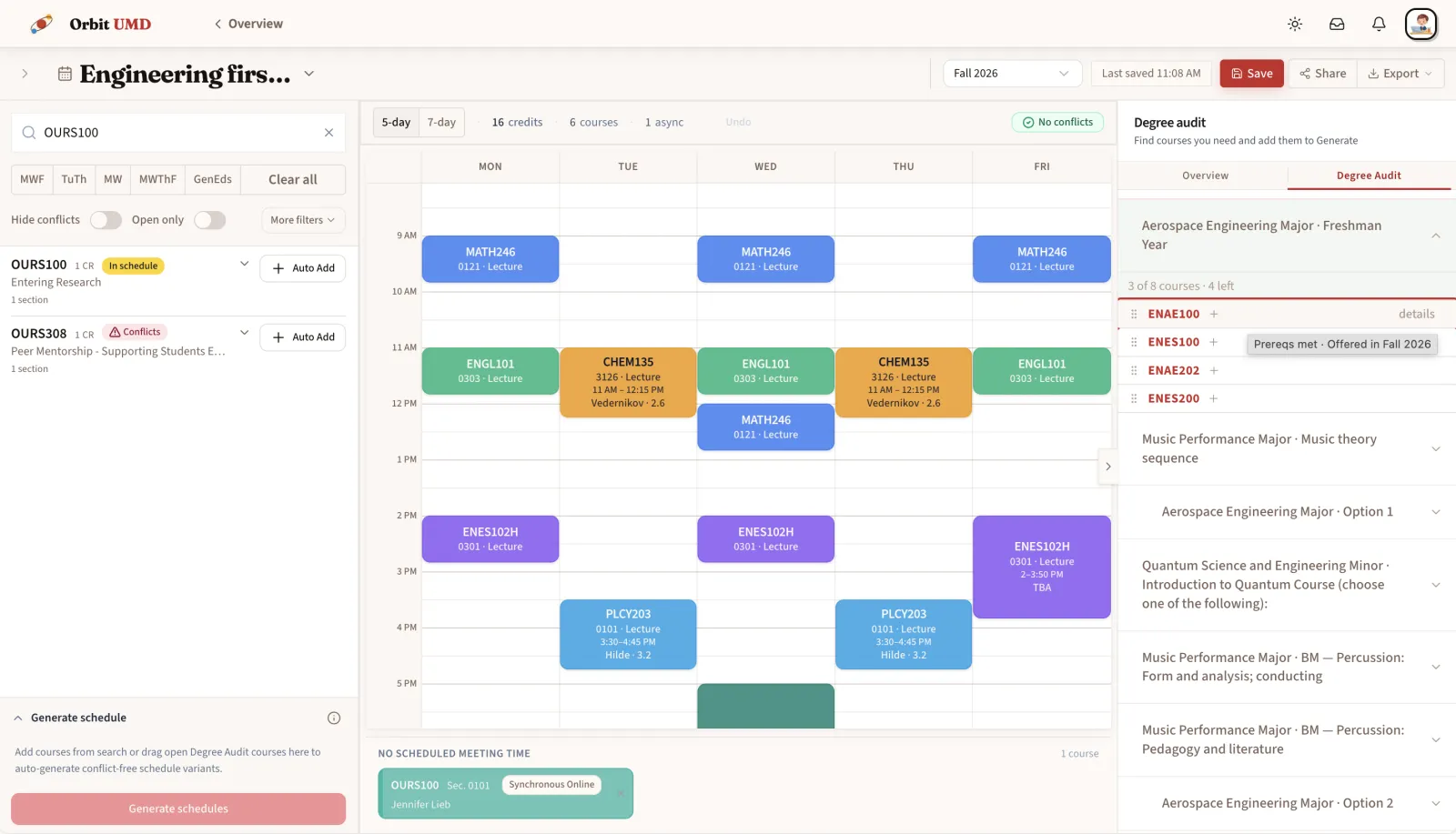
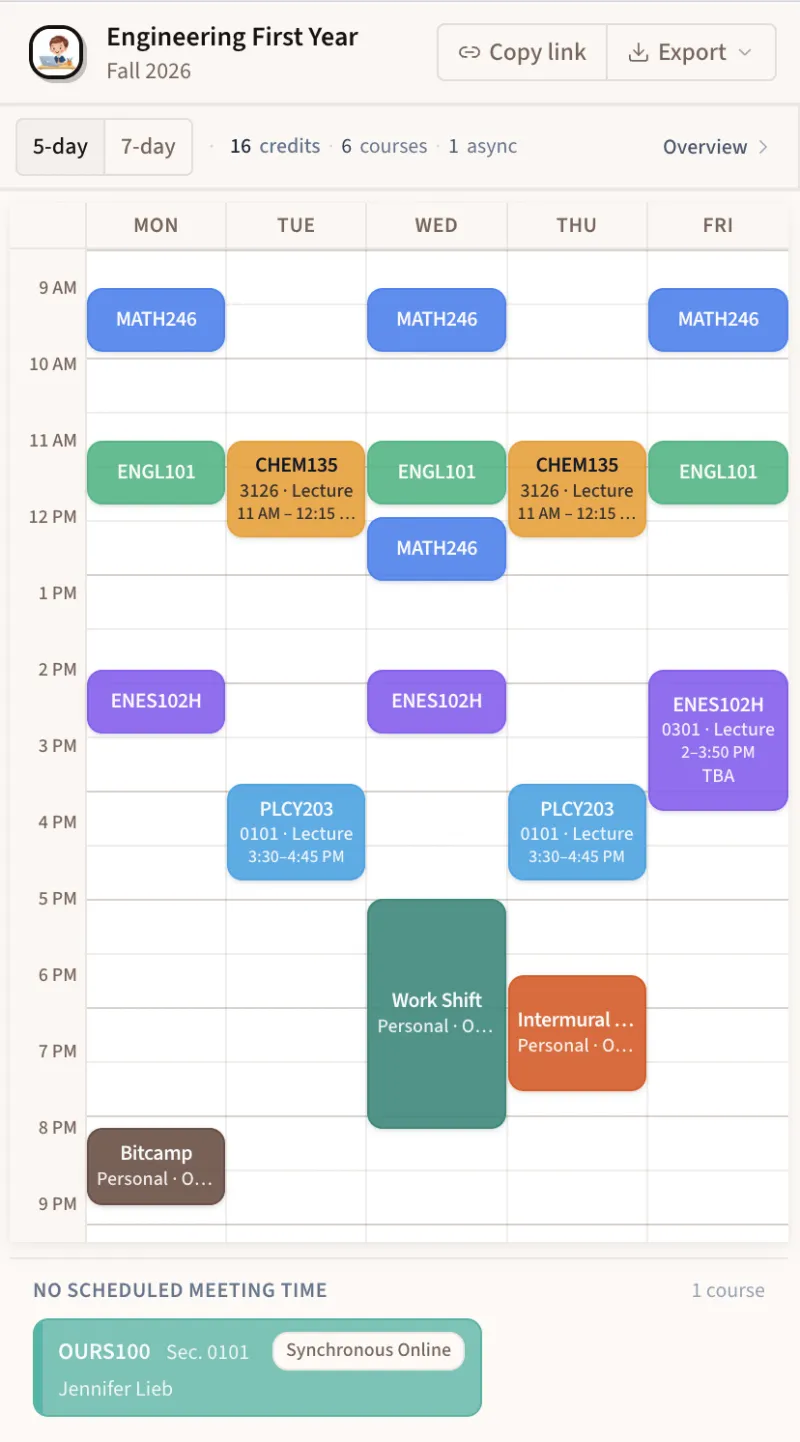
OrbitUMD is organized around the actual shape of academic planning. Not the shape of university bureaucracy. The first thing you see when you log in is a Dashboard that shows you where you stand across every program you're pursuing: completion percentage, credits in progress, and a semester-by-semester timeline out to graduation. It's the kind of overview that used to require opening four different websites.

The Degree Audit is the real heart of it. Add any combination of majors, minors, and certificates, and the app live-audits your transcript and current schedule against every requirement, including specialization tracks, elective area constraints ("select 5 upper-level courses from at least 3 different areas"), and cross-listed equivalencies. It handles the messy stuff: a course counting toward two programs at once, an honors section satisfying the same slot as the regular version, gen-ed overlap across degrees.

The Four-Year Plan is a drag-and-drop board organized by semester. Move a course between terms and watch program completion and credit loads update immediately. And the Suggestions page is the one people don't expect but immediately want, ranking every course you could take right now by how valuable it is to your specific plan, factoring in prerequisite readiness, requirement urgency, and which courses unlock the most future options. It's the planning advisor who actually knows your schedule.

It also changes the relationship between students and their advisors. When a student walks into an advising appointment having already seen what their requirements are, which courses satisfy them, and what their realistic multi-year options look like, the conversation shifts from logistics to actual planning. Advisors spend less time pulling up fragmented systems to answer basic questions and more time on the decisions that actually require their judgment. They can share a single, clear picture of the plan and work from the same source of truth the student already has. That is a better use of everyone's time.

The goal is not to plan for students. It is to free them up to actually be students: to explore, add a major on a whim, ask "what if I added quantum" and find out in seconds rather than days. OrbitUMD is fundamentally about usability and reducing cognitive load. The scraping and data work that power it are implementation details. The goal has always been to make the hard question feel answerable. When it does, students take on harder, more interesting paths. That is what OrbitUMD is for.

Dashboard showing 75% degree completion, semester timeline through Fall 2029, and action items panel
One view. Every program. Your whole plan at a glance.
Degree Audit page showing CS Major, Physics Major, Quantum Minor, and Biological Sciences Major progress with per-requirement completion
Live audit across every program you're pursuing..
Four-Year Plan kanban board with color-coded courses across Fall 2025 through Spring 2026, each tagged with the programs they satisfy
Drag courses between semesters. See conflicts and credit loads update instantly.
Suggestions page with 30 personalized course recommendations ranked by prerequisite readiness, requirement urgency, and plan fit
Personalized suggestions that know your transcript, your plan, and what to take next.

Want to check it out?

Want to see what a CS + Physics + Quantum plan looks like all at once? OrbitUMD is live at orbitumd.com, with a demo account pre-loaded with a sample multi-degree plan. You can log in with the demo credentials, or sign in with your Google account and add your own programs.

Open OrbitUMD →

For you nerds…

Come check out the technical stuff. Here is a 5-stage catalog scraper, the recursive requirement evaluator, the data model, the data sync pipeline. Reach out with any improvements or questions.

Technical deep dive →

Interested in collaborating?

Want to bring OrbitUMD to your school, sponsor the project, or just talk about building better planning tools for students? I'd love to hear from you.

View the pitch deck → Get in touch →